
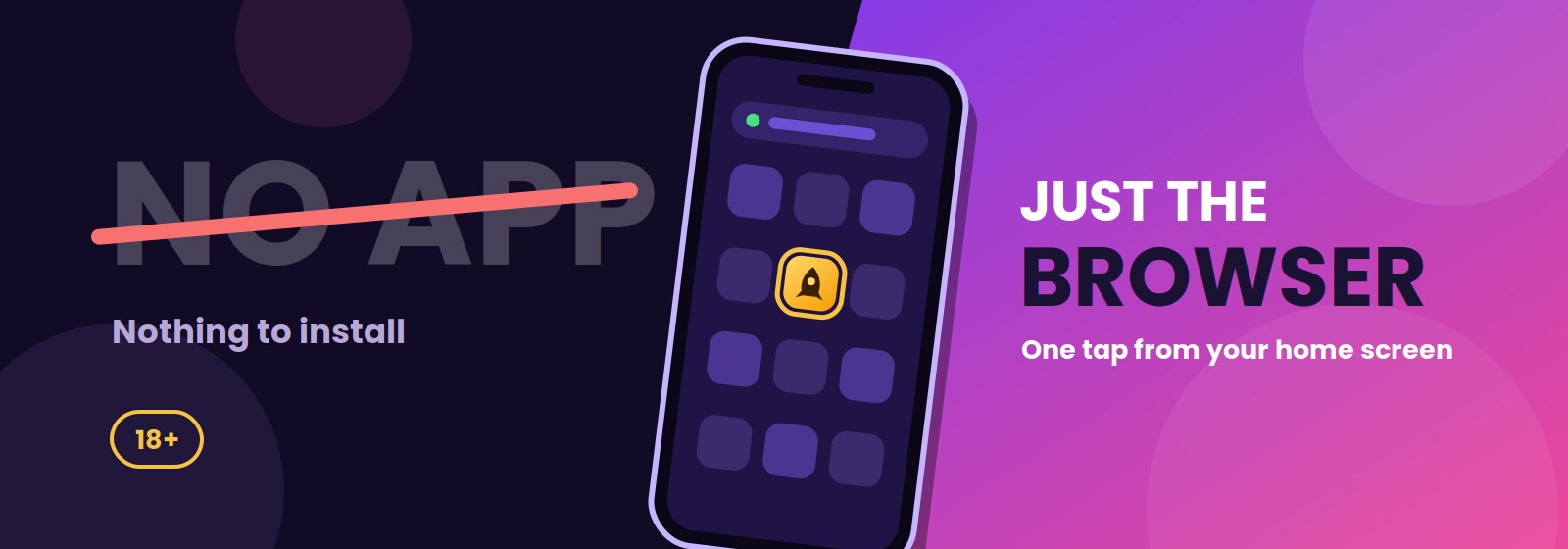
Short answer: no native app, and it isn’t coming. RocketPlay runs entirely through a mobile browser, and honestly, it works about as well as an app would once you set it up right.
This page explains why real-money offshore operators skip the app stores, how the browser version handles everything from games to verification, and how to get a one-tap shortcut on your phone instead.
RocketPlay is an offshore brand (Dama N.V., Curacao licence Antillephone 8048/JAZ2020-13, SoftSwiss platform) on the ACMA blocklist, unlicensed in Australia, 18+ only.
If you’ve been hunting for a casino app, this is the honest version of that answer. Anyone typing RocketPlay app Australia into a search bar lands on the same page every time: the browser, not a store listing.
One tap from your home screen.✗ iOS app✗ Android app✗ apk file
✓ Mobile browser✓ Home screen shortcut
The honest answer about a native app
Apple and Google both restrict real-money gambling apps in their stores, and the rules get stricter for operators without a licence in the player’s own country. Australia adds another layer: an offshore brand like RocketPlay, licensed in Curacao rather than locally, sits well outside what either store allows for AU users.
This isn’t a technical gap RocketPlay hasn’t gotten around to fixing, it’s a structural one, tied to how app store policies treat offshore gambling brands. A RocketPlay app Australia search won’t turn up a store listing because none exists, and none is coming.
For players, the practical result is simple: everything runs through the browser, and that browser version gets the same updates and the same games, just without a store listing.
How the browser version works on a phone
The site adapts to your screen, whether that’s an iPhone, a budget Android or a tablet, no separate app needed. Modern versions of Safari, Chrome and most Android browsers handle it fine.
Nothing about mobile browser play is a stripped-down version of the desktop site, it’s the same account, same balance, same everything, just resized. If you’re used to thinking a mobile casino app is the only way to get a smooth phone experience, this setup usually closes that gap in a few taps.
Adding a shortcut to your home screen
A home screen icon turns the site into something that opens like an app, full screen, no address bar, one tap from your lock screen.
Why third party apk files are dangerous
Malicious apk warning aside, even a file that looks legitimate can carry malware, steal saved passwords, or quietly request permissions no casino app has any reason to need. RocketPlay doesn’t distribute anything outside the browser, so any apk claiming otherwise is, at best, unofficial, and at worst, actively harmful.
Browser play against a hypothetical app
Worth comparing honestly, since a native app sounds appealing in theory.
| Factor | Browser (current setup) | Hypothetical native app |
|---|---|---|
| Updates | ✓ Instant, no store approval needed | Delayed by store review |
| Device storage | ✓ Minimal, shortcut only | Several hundred MB typically |
| Game access | Full library | Same, in theory |
| Login speed | Fast once shortcut is saved | Fast, comparable |
| Security | ✓ No separate binary to trust | Depends on the source |
On balance, a real casino app wouldn’t actually add much here. A mobile casino app built from scratch would need to catch up to what the browser already does, not the other way round, and the honest verdict is that the browser route isn’t a compromise, it’s just the format this works in.
Performance, data use and battery
Data usage depends heavily on what you’re playing.
On a limited plan, Wi-Fi is the safer choice for longer sessions, especially live casino. Battery drains faster on live tables too, mainly from the screen staying on and the video decoding running constantly.
| Game type | Approx. data per hour | Load on device |
|---|---|---|
| Pokies (standard) | Low, mostly static assets after loading | Light |
| Live dealer tables | Higher, continuous video stream | Moderate to high |
| Table games (RNG) | Low to moderate | Light |
None of this needs a dedicated app to manage, the browser handles it the same way it would handle any data-heavy site. A RocketPlay app Australia players might imagine wouldn’t change any of these numbers, since data use comes from the game itself, not the wrapper around it. There’s no casino app download involved either way, on Wi-Fi or mobile data.
What differs on mobile and desktop
Honestly, not much. The games list and bonus offers are identical across both, same slots, same table games, same promotions running at the same time.
What actually changes is the layout and the controls: smaller buttons rearranged for a touchscreen, swipe gestures on some titles, and a simplified menu that collapses into a hamburger icon rather than a full top bar.
The Mobile version page covers phone-specific navigation in more detail, and the Live casino app page focuses specifically on live-dealer tables on a phone screen. Nothing here should be read as mobile getting a lesser version, it’s the identical account, reshaped to fit a smaller screen.
Troubleshooting common mobile issues
A handful of problems come up more than others.
| Problem | Likely cause | What to do |
|---|---|---|
| Game won’t load | Weak or unstable connection | Switch networks, then refresh the page |
| Live table freezes | Video stream dropped | Reload the page |
| SMS code doesn’t arrive | Carrier delay | Wait a minute, then request a resend |
| Site won’t open | Connection blocked on that network | Try mobile data instead of Wi-Fi, or the reverse |
Mobile troubleshooting rarely needs more than these basic steps. None of them require a casino app download or any file at all, a refresh usually does the job. Searches for a RocketPlay app Australia fix almost always resolve the same way, in the browser, not through an install.
Setting limits before you play on the go
Playing from a phone makes short, frequent sessions easy, a few spins on a break, a few more on the couch, and those add up faster than one sit-down session at a desk. That’s worth building a limit around before it becomes a habit you didn’t plan.
Set a deposit limit and a session reminder in your account, regardless of how convenient the shortcut makes things. A casino app would make quick sessions just as easy. A mobile casino app wrapper wouldn’t add any friction that slows down a fast top up, either.
No pokie guarantees a win, and RTP is a long-run average, not a promise for tonight.
Casino app FAQ for Australian players
Is there an official RocketPlay app?
No. There’s no native app for iOS or Android. Play runs through the mobile browser instead.
How do I add the site to my home screen?
On iPhone, use Safari’s Share menu and tap Add to Home Screen. On Android, use Chrome’s menu and tap Add to Home screen.
Are apk files from other sites safe?
No. Unofficial apk files aren’t linked to RocketPlay and can carry malware. Stick to the browser and the home screen shortcut.
Does the mobile version have all games?
Yes. The games library and bonuses match the desktop site exactly, only the layout adjusts for a smaller screen.
How much data does an hour of play use?
It depends on the game. Pokies use relatively little, while live dealer tables use noticeably more due to the video stream.